📱 Why people love Samsung smartphones
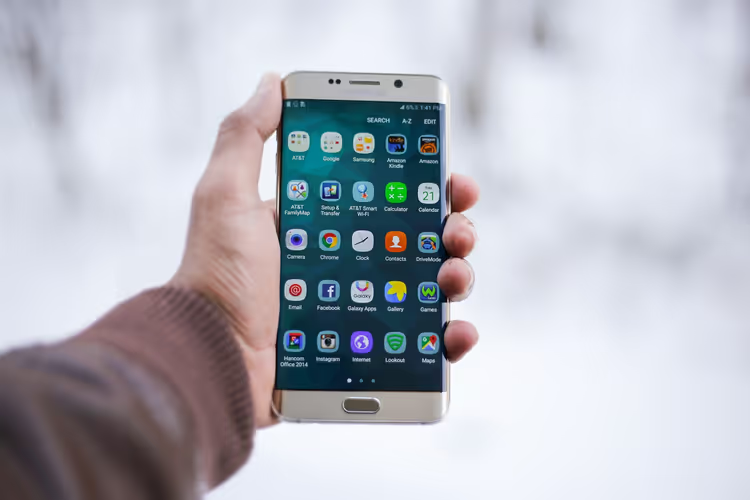
A no-marketing breakdown: price coverage, in-house displays, Knox and other mid-range perks, plus a vendor-agnostic…

Your phone can do more than you use. Half of the features are buried in settings you never get around to. And the right guide is always written for a different system version.
This section is about smartphones and mobile platforms. Android and iOS, iPhone, apps, gadgets. We show you how to squeeze out of your device what's already inside it. Without buying a new phone and without complicated workarounds.
What's inside. Hidden Android and iOS settings the box never mentions. Moving data from an old phone to a new one — without losses and without stress. Working with apps: where to find them, how to set them up, how to remove the bloat. Everyday tricks: how to store loyalty cards on your phone, how to install Chrome extensions on Android.
Data transfer between devices gets a deep dive, because that's where people most often lose what matters. Contacts, photos, chats, passwords, banking app bindings. We cover transfers within the same system and the most painful part: from Android to iPhone and back. We explain what moves automatically, what you'll have to drag over by hand, and how to check in advance that everything is in place before you wipe the old phone.
Mobile layout and responsiveness. This section is also useful for those who build websites. Responsiveness is when a page adapts itself to screen width and reads equally well on a phone and on a monitor. We break down why a layout falls apart on a small screen, how fonts and thumb-friendly buttons behave, and what breaks layout specifically on mobile.
Testing a website on a phone. Just opening the page from your computer isn't enough. We show how to check a site on a real device, how to use browser emulation mode, and what to look for: load speed, tap-friendliness, pop-ups that cover the entire screen on a phone.
Mobile browsers. Chrome, Safari, and built-in browsers all behave differently. We explore how the mobile version differs from the desktop version, how to install extensions where they're not officially available, how to clear the cache, and why a site sometimes looks different on a phone than on a computer.
Smartphone security. A topic people put off until the first disaster strikes. Which app permissions are excessive and how to revoke them. Why screen lock and two-factor protection matter (login confirmed via a second device). How to spot a fake app in the store and what to do if your phone is lost.
There are also topics for developers. For example, sending push notifications (pop-up messages on screen) via Google FCM and PHP. FCM is Google's service for delivering those notifications. We walk through the setup step by step, with working code, not documentation theory.
We also dig into little things that save time every day. How to use the ALT key in Gboard (Google's keyboard) to type symbols quickly. How to speed up a phone that has started lagging. How to set up notifications so the important stuff doesn't drown in spam.
Every term is explained right away. You see the word «firmware» (the phone's system software) and immediately read what it means. No need to Google in parallel. We explain things so that someone without a technical background can understand.
The content is written by practitioners. We've personally moved contacts between Android and iPhone, set up push on live projects, and dug into Gboard for a couple of extra characters. So we know where the guide bumps into reality. Where the menu item is named differently in the new version. Where a feature exists on one phone and is missing on another. Where advice from the internet simply doesn't work.
The structure of our guides is simple. First, the short answer: where to tap, what to enable. Then a detailed breakdown with variants for different system versions. At the end, an honest warning if the method doesn't work everywhere. Android is fragmented, and we keep that in mind.
Who this section is for. Regular users who want to tailor their phone to their needs and stop putting up with small annoyances. People switching devices who are afraid of losing data. Developers who need to add push notifications or check how a site looks on mobile.
We update content for new versions of Android and iOS. The system changed its interface, a button moved? We fix the text. A guide with a screenshot from two versions ago is useless, and we get that.
Pick a topic by task. Setup, data transfer, testing a site on a phone, or push notification code — start here. Then read the specific breakdown and do it. No unnecessary advice.
A no-marketing breakdown: price coverage, in-house displays, Knox and other mid-range perks, plus a vendor-agnostic…
A breakdown of the real iPhone 14 specs: Dynamic Island on Pro, satellite SOS, 48 MP camera and A16 chip. Which insider…
Tempered glass or film, blue light filter or privacy, budget three-pack or full-protection case — we break down five…
Review of the Ukrainian brand Vinga: TV lineup from 24 to 85 inches, LED/IPS/QLED, prices from 4100 UAH, model table…
GSM and CDMA are mobile technologies that defined phone compatibility for decades. The difference has almost…
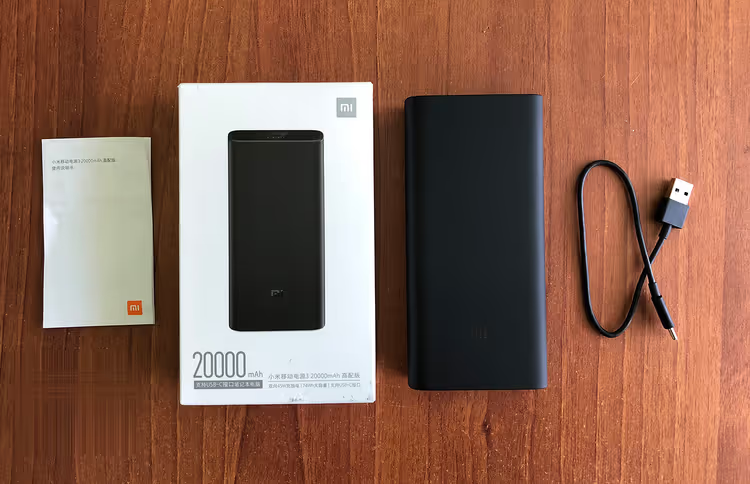
Real measurements of Xiaomi Mi Power Bank 3 Pro: output at different voltages, charge speed, efficiency at 45W and…
Chrome on Android does not support extensions, Kiwi Browser is closed. Three working methods to run an ad blocker on…
Three ways to turn a WordPress site into an app: PWA in 5 minutes, no-code builders for Google Play and App Store, and…
The official WordPress app for iOS and Android: writing posts, moderating comments, and tracking statistics from your…
WPtouch adds a separate mobile theme for smartphones without touching your main layout. A breakdown of settings, Pro…